PDFCandy PDF Editor
Edits PDF files online by adding text, images, annotations, and signatures with AI-powered tools.
Are you the owner?
Claim this tool to publish updates, news and respond to users.
Sign in to claim ownership
Sign InDescription
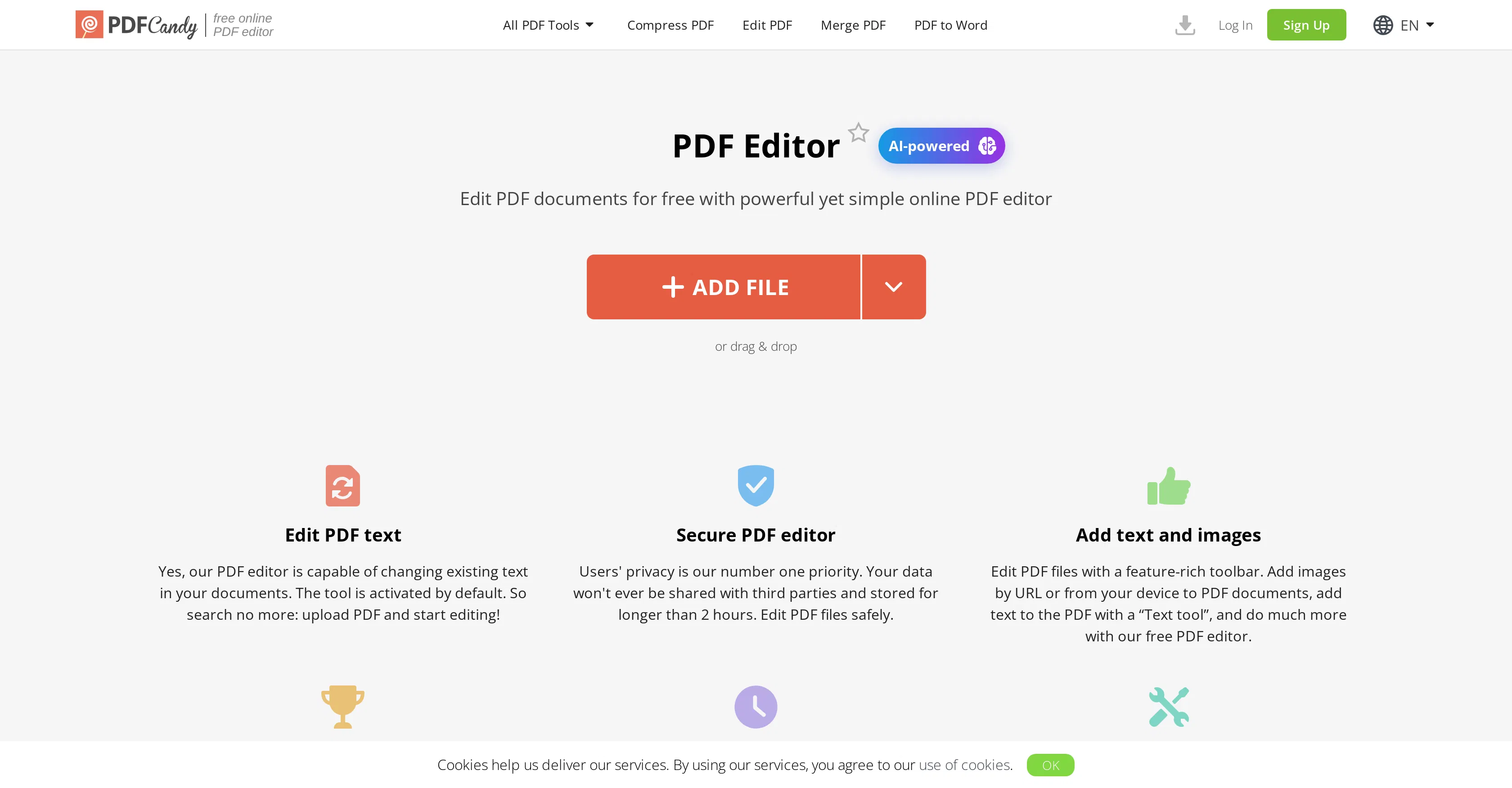
PDFCandy PDF Editor is an online, AI-enhanced platform for comprehensive PDF document manipulation, developed by the team behind the popular PDFCandy suite. Its core value lies in providing a robust, web-based alternative to traditional desktop PDF software, enabling users to perform detailed edits and annotations directly from a browser without compromising on essential functionality. This makes advanced PDF management accessible to a broad audience, from students to professionals, who require quick and reliable document adjustments.
Key features include the ability to insert and format new text blocks and images into existing PDFs, highlight or underline important passages, and add various annotations like comments and sticky notes. The tool also facilitates the direct modification of pre-existing text within a document, a feature not commonly found in basic online editors. Furthermore, users can digitally sign documents, apply watermarks for branding or security, and merge or split PDF files as needed for organization.
What sets this editor apart is its specific focus on AI-powered editing capabilities that streamline complex tasks, such as intelligently recognizing text areas for modification. It operates entirely online, requiring no software installation, and is compatible with all major web browsers on both desktop and mobile devices. The platform is designed for simplicity and speed, with a clean interface that guides users through each editing process, though it does not typically integrate deeply with third-party cloud storage services beyond standard file upload and download.
Ideal for freelancers, office workers, and academic users who regularly handle contracts, reports, or research papers. Specific use cases include finalizing a business proposal by adding a company logo and signature, preparing a study guide by highlighting textbook excerpts, or correcting details in a submitted form without needing to recreate the entire document from scratch. It serves as a versatile solution for on-the-fly document preparation and collaboration.